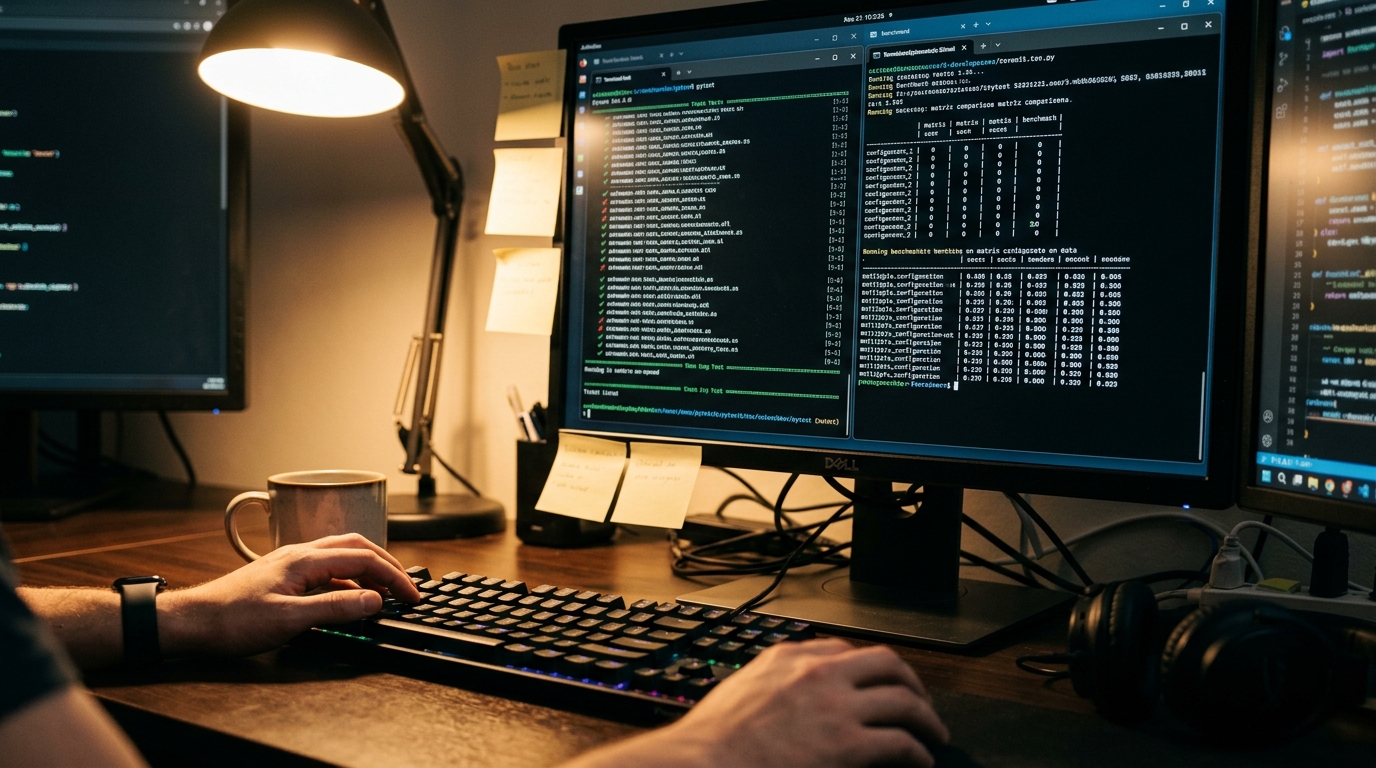
Serious developers are quietly abandoning the flashy dashboards of GUI-based AI tools. The reason? The interface has become the bottleneck. According to recent JetBrains data, nearly 85% of developers now rely on AI assistance, but the real power users have migrated back to where the work actually happens: the command line. In 2026, the AI terminal isn't just a place to run git push; it is an autonomous command center where agentic shells reason over entire repositories, execute multi-step workflows, and self-heal broken builds. If you aren't using an AI terminal, you're essentially coding with one hand tied behind your back.
- The Great GUI Exodus: Why the AI Terminal Wins
- Top 10 AI-Native Terminals & Shells for 2026
- The 2026 Agentic Stack: Model, Orchestration, and Memory
- Skill Engineering: The NPM Moment for AI Agents
- Production Pitfalls: Environment Isolation and the CLAUDECODE Trap
- Security and Hardening: The Agentic Command Line
- The Operational Stack: Monitoring Your AI Workforce
- Key Takeaways / TL;DR
- Frequently Asked Questions
The Great GUI Exodus: Why the AI Terminal Wins
For years, the industry tried to wrap AI in beautiful, chat-based interfaces. While those are great for writing marketing copy, they fail the "developer friction test." Every time you copy-paste code from a browser into your IDE, you lose context, introduce potential errors, and break your flow.
In 2026, the shift toward AI-powered CLI tools is driven by four factors: speed, scriptability, automation pipelines, and full control over the stack. As one senior engineer on Reddit recently noted, "Serious developers are moving toward terminal-first AI workflows because the interface disappears and the workflow becomes native."
We have moved from imperative shells (where you must know the exact syntax) to declarative agents (where you define the intent). You no longer need to remember the flags for a complex ffmpeg command or a Kubernetes deployment; you simply describe the desired state to your natural language terminal, and it handles the execution, validation, and error correction.
Top 10 AI-Native Terminals & Shells for 2026
The landscape has split into two distinct categories: AI-Native Terminal Emulators (which replace your window) and Autonomous CLI Agents (which run inside your existing shell). Here is the definitive list for 2026.
1. Claude Code (The Gold Standard)
Claude Code has emerged as the most dominant agentic command line tool in the ecosystem. Developed by Anthropic, it isn't just a wrapper; it's a specialized agent with full filesystem access and a "resume-first" approach to tasks. - Best For: Deep reasoning, multi-file refactoring, and complex debugging. - Key Feature: Custom hooks. You can intercept every file write or shell command with validation logic. - User Insight: Developers recommend using Claude Code with a "boring" markdown-based memory system to keep it grounded.
2. OpenClaw (The "Computer Use" Champion)
OpenClaw went viral in early 2026 for its ability to go beyond the shell. It can click on screens, sign up for accounts, and interact with web UIs to bridge the gap between local code and third-party APIs. - Best For: Automating workflows that require both terminal commands and browser-based actions. - Pricing: Free/Open Source (Bring Your Own Key).
3. Warp (The Modern Emulator)
While Claude Code is an agent, Warp is a full terminal replacement. It treats the terminal like a collaborative document, with block-based outputs and a built-in AI that suggests commands as you type. - Best For: Teams that want a high-performance, GPU-accelerated terminal with built-in AI features. - LSI Keyword: Warp terminal alternatives like Wave are often compared, but Warp leads in speed.
4. Aider (The Pair Programmer)
Aider is a CLI tool that lets you edit code in your local git repository. It is famous for its "Repo Map" feature, which compresses your entire architecture so the AI can "see" the whole project without blowing out the context window. - Best For: Fast, iterative coding sessions within an existing terminal.
5. Wave Terminal
Wave is an open-source terminal that allows you to render rich UI elements (like graphs, markdown, and tables) directly in the shell. It bridges the gap between the CLI and the GUI by allowing the AI to output visual results. - Best For: Data-heavy terminal work and visualization.
6. MantisClaw
MantisClaw is a specialized agent for Windows environments. It focuses on executing tasks locally, including automatic pip dependency resolution and even WhatsApp integration for remote agent control.
- Best For: Local-first automation on Windows machines.
7. GitHub Copilot CLI
Deeply integrated into the GitHub ecosystem, the Copilot CLI is the go-to for developers who want a lightweight, vertically integrated experience. It excels at explaining commands and generating shell scripts on the fly. - Best For: Ecosystem-native developers.
8. Mentat
Mentat is an autonomous developer that coordinates changes across multiple files. Unlike simpler assistants, it tracks the state of your build and can self-correct when tests fail. - Best For: Large-scale refactoring and automated test-driven development (TDD). - Internal Hint: Much like high-end SEO tools, Mentat uses a retrieval-augmented generation (RAG) layer to stay accurate.
9. Selene
Selene acts as a "harness" for all your agentic needs. It includes a local RAG pipeline, task delegation, and support for speech-to-text (STT) and text-to-speech (TTS), allowing for a voice-controlled AI terminal experience. - Best For: Building custom, voice-activated dev environments.
10. McFly & Atuin (Neural History Search)
While not full agents, these tools use neural networks to supercharge your shell history. Instead of Ctrl+R for exact matches, they use semantic search to find that one command you ran three weeks ago based on intent.
- Best For: Developers who want to upgrade their existing bash/zsh experience without a full agent.
| Tool | Category | Primary Strength | Pricing Model |
|---|---|---|---|
| Claude Code | CLI Agent | Complex Reasoning | Token-based |
| Warp | Emulator | Speed & Collaboration | Freemium |
| OpenClaw | Local Agent | Computer Use / UI | Open Source |
| Aider | Pair Programmer | Repo-wide Edits | BYOK |
| Wave | Visual Shell | Rich UI Rendering | Open Source |
The 2026 Agentic Stack: Model, Orchestration, and Memory
Building a high-performance AI terminal stack isn't just about picking one tool; it's about the architecture. In 2026, the consensus among elite engineers is that "boring architecture wins in production."
The Four-Layer Architecture
- The Model (The Brain): Most developers have converged on Claude 3.5 Sonnet for execution and Opus for complex planning. GPT-4o remains a strong contender for routing tasks.
- The Orchestrator (The Manager): This layer handles task delegation. While frameworks like LangChain were popular, 2026 has seen a shift toward flat, skill-based systems. Each capability is an isolated module the agent can invoke.
- The Memory (The Context): This is the most critical layer. It is usually split into three parts:
- Working Context: The immediate prompt.
- Session Transcripts: JSONL logs of the current session.
- Persistent Knowledge: A markdown-based directory (e.g.,
MEMORY.md) that the agent reads on boot to remember patterns and preferences.
- The Execution Layer (The Hands): This is the AI terminal itself, where the agent interacts with the filesystem, runs tests, and executes shell commands.
"The biggest shift in 2026 is that we’ve moved away from one-off chats to Long-Term Memory systems. If an agent doesn't remember what happened last week, it's just a chatbot, not a workforce." — AI Agent Lead on Reddit
Skill Engineering: The NPM Moment for AI Agents
We are witnessing a fundamental shift from prompt engineering to skill engineering. Instead of asking an AI nicely to "make it look good," developers are now packaging expertise into structured files—usually SKILL.md.
What is a Skill?
A Skill is a file containing two parts:
- YAML Frontmatter: Tells the AI when to activate the skill (e.g., on: css_change).
- Markdown Instructions: Encoded expertise on how to handle that specific task.
This is the "npm moment" for agents. You can now download a design-engineer skill from a marketplace like skillsmp.com and drop it into your .claude/skills/ directory. Your AI terminal instantly gains the ability to generate premium, human-grade UI code because it has the "encoded expertise" of a senior designer.
Production Pitfalls: Environment Isolation and the CLAUDECODE Trap
Moving agents into production introduces risks that don't exist in a simple chat window. One of the most common "silent failures" in 2026 involves environment variable leakage.
The CLAUDECODE Env Var Bug
When spawning a sub-agent from within a session (e.g., running a script that calls another AI tool), the parent process often leaks environment variables like CLAUDECODE or ANTHROPIC_API_KEY into the child process. This can cause the child agent to fail silently—it looks like it's working, but nothing actually executes.
The Fix: Always explicitly scrub the environment when spawning child agents. python
Example of scrubbing env vars for sub-agents
import os new_env = os.environ.copy() new_env.pop('CLAUDECODE', None) new_env.pop('ANTHROPIC_API_KEY', None)
Now spawn the child process safely
Indirect Injection
Another major risk is indirect injection. If your AI terminal reads a file (like a README or a scraped webpage) that contains hidden instructions, it might execute those commands. In 2026, safety hooks are mandatory. Elite setups use a "guard hook"—a 60-line Python script that intercepts every tool call and blocks dangerous operations (like rm -rf /) before they happen.
Security and Hardening: The Agentic Command Line
Security is the #1 concern for developers using best AI shells 2026. Because these tools have filesystem access, a single hallucination or malicious injection can be catastrophic.
The "Ship Safe" Methodology
Tools like Ship Safe have become essential. These are local-first CLIs that run specialized security agents against your repository before you push code. They catch common AI mistakes like: - Hardcoded API keys. - Exposed auth logic. - "Vibe-coded" security holes where the logic looks correct but has zero actual validation.
TDD as a Safety Net
The most effective way to secure an AI terminal workflow is Red-Green TDD (Test-Driven Development). Never let an agent just "write code." Instead, the workflow should be: 1. Agent writes a failing test. 2. Agent writes code to make the test pass. 3. Agent refactors. 4. Human reviews the diff.
This feedback loop ensures that the agent isn't just generating "plausible-looking garbage" at scale.
The Operational Stack: Monitoring Your AI Workforce
Once you have three or more agents running in production, you stop being a developer and start being an AI workforce manager. The "Build Stack" and the "Operations Stack" are now two different things.
What an Operations Stack Includes:
- Audit Logs: Every tool call, state transition, and file write must be logged.
- State Management: Using tools like
Contextoto archive and summarize intermediate outputs so the model's attention doesn't drift during long-horizon tasks. - Chaos Engineering: Using tools like
Flakestormto stress-test your agents by simulating tool timeouts and API failures.
If you don't have a shared operational record, you'll never know why Agent A failed to hand off a task to Agent B. In 2026, observability is the differentiator between an experiment and a production-grade system.
Key Takeaways / TL;DR
- The Interface is Dead: Developers are moving to the AI terminal for speed and automation.
- Claude Code is King: It is currently the most capable agent for deep reasoning and repo-wide tasks.
- Skill Engineering > Prompt Engineering: Encode expertise into
SKILL.mdfiles for deterministic results. - Memory Matters: Use a three-layer memory system (Prompt, Transcript, Markdown Knowledge Base).
- Security is Local: Use guard hooks and TDD to prevent agents from introducing vulnerabilities.
- Scrub Your Env: Prevent silent failures by isolating child processes from parent API keys.
Frequently Asked Questions
Is it safe to use third-party AI terminals like Warp or Wave?
Yes, but security depends on your threat model. Most modern AI-native terminals are built on reputable open-source projects or have undergone rigorous security audits. For maximum safety, use local-first agents (like Ollama-based tools) that don't send data to the cloud.
What is the best AI terminal for a solo developer?
For most solo developers, Claude Code combined with Aider provides the best balance of reasoning power and speed. If you prefer a full window replacement, Warp is the industry leader for 2026.
Can I run an AI terminal completely offline?
Yes. Tools like MantisClaw and Ollama allow you to run smaller language models (SLMs) locally. While they may not have the reasoning depth of a massive model like Claude Opus, they are excellent for routine automation and data privacy.
How do I prevent my AI agent from deleting my files?
Implement a guard hook. This is a script that intercepts every shell command from the agent. You can also use "Human-in-the-loop" (HITL) settings, where the terminal asks for your permission before executing any destructive command.
Do AI terminals replace the IDE?
No, they augment it. Most developers use a "Vibe Coding" approach: they use a tool like Cursor or VS Code for visual editing and a specialized AI terminal for running tests, managing deployments, and performing complex refactors.
Conclusion
The AI terminal has officially moved from a niche experiment to the center of the 2026 developer stack. By shifting from the "chat box" to the "command line," you gain access to a level of autonomy and speed that was previously impossible. Whether you are using Claude Code for deep architectural changes or Warp for a supercharged collaborative experience, the goal is the same: reduce the friction between intent and execution.
As the "Context War" continues, the developers who win will be those who master skill engineering and maintain a clean operational stack. Don't get stuck in the GUI—the real power is in the shell. Start by automating one boring, repetitive task today, and build your agentic workforce from there.
Ready to 10x your productivity? Explore our other guides on AI development tools and modern DevOps workflows.