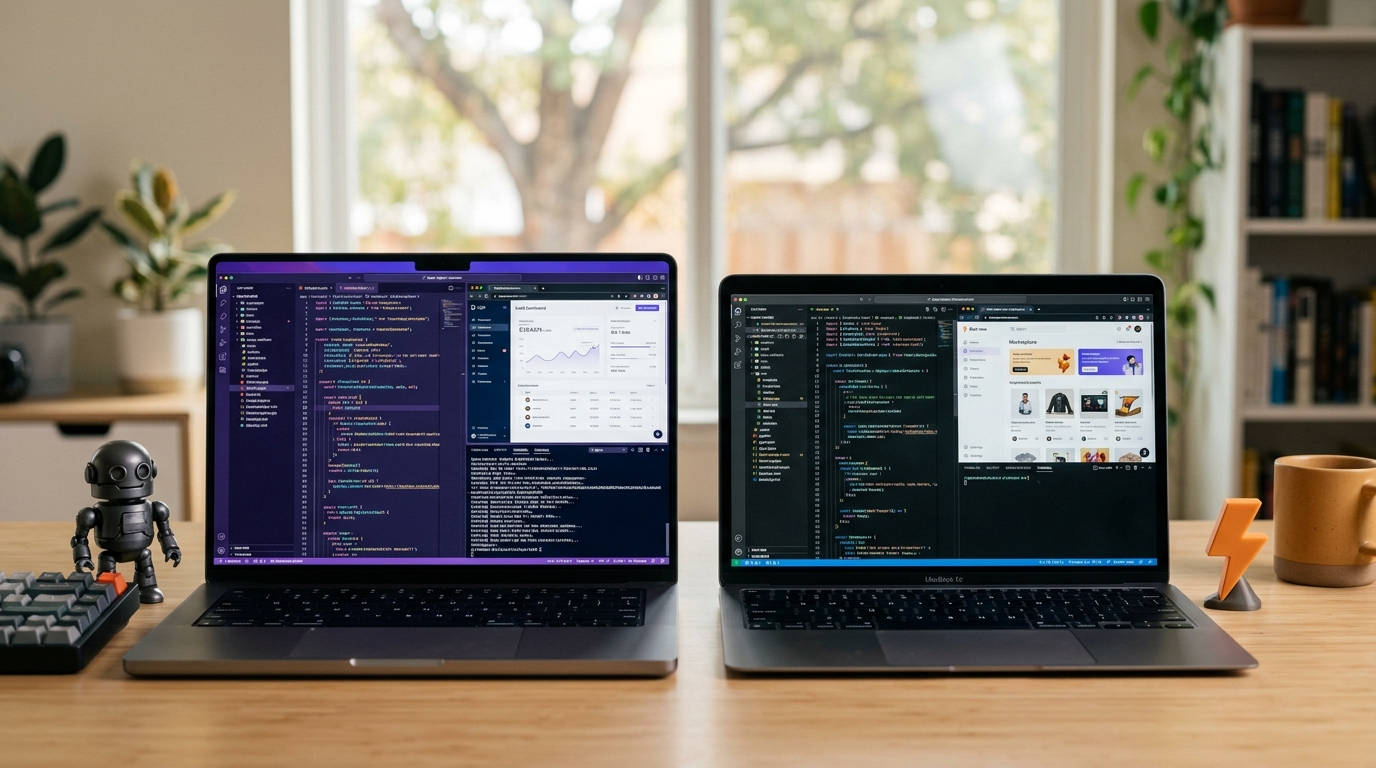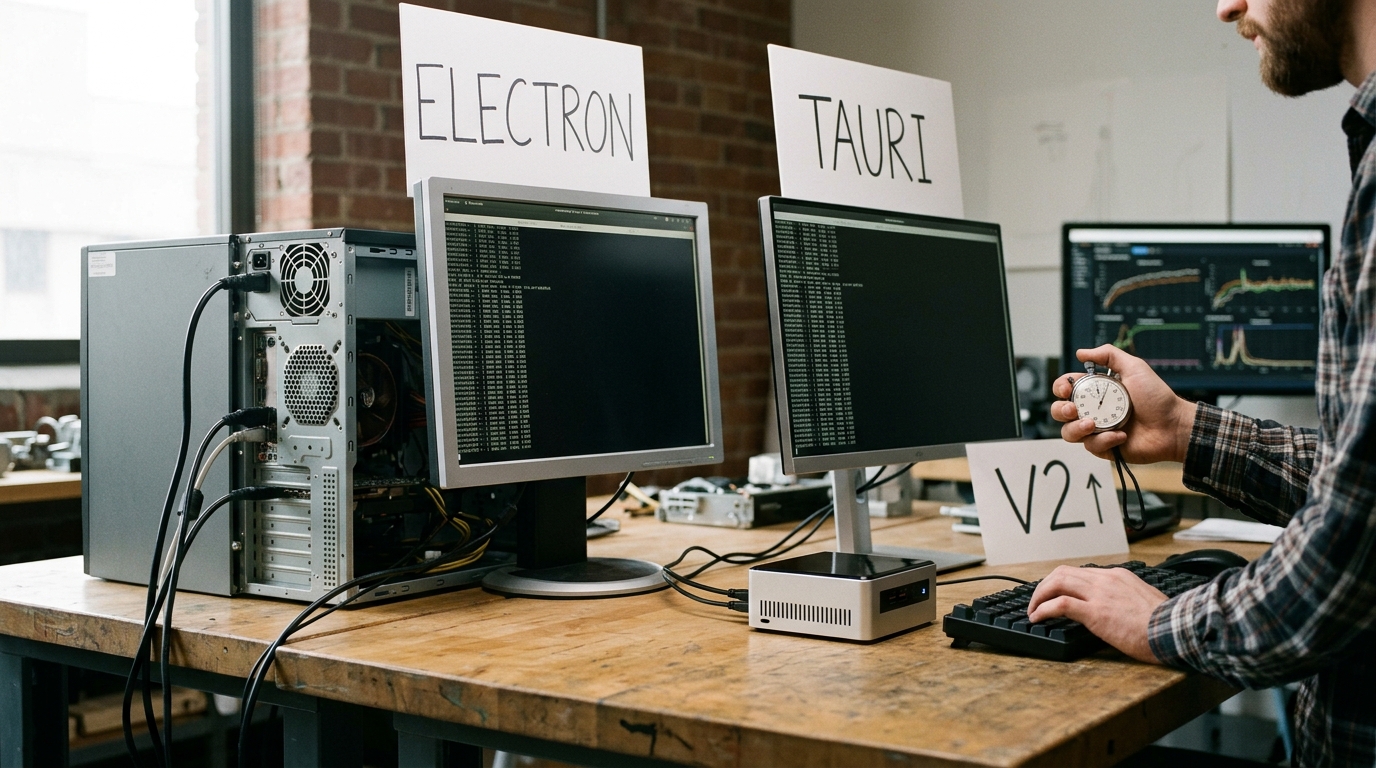
Why does a simple desktop chat client need 500 megabytes of RAM just to sit idle in your system tray? For years, developers and users alike have accepted this resource-heavy tax as the inevitable cost of building cross-platform applications. Today, the debate of tauri vs electron has reached a tipping point, forcing engineering teams to re-evaluate how they build desktop and mobile software. With the release of Tauri v2, the promise of lightweight, secure, and truly cross-platform apps is no longer a futuristic ideal—it is a production-ready reality.
This comprehensive guide provides an exhaustive, benchmark-backed comparison of tauri v2 vs electron to help you choose the right stack for your next project. We will analyze their architectures, performance metrics, security models, developer experiences, and enterprise readiness in 2026.
- Architectural Showdown: How Tauri v2 and Electron Differ Under the Hood
- Tauri vs Electron Performance Benchmarks: Memory, CPU, and Bundle Size
- Security Architecture: Sandboxing, IPC, and Threat Mitigation
- Developer Experience (DX): Tooling, Ecosystem, and Language Barriers
- The Mobile Frontier: Tauri v2's Mobile Support vs Electron's Desktop Limitation
- Enterprise Readiness: Auto-Updates, Native Integration, and Code Signing
- Migration Guide: Porting an Electron App to Tauri v2
- Feature Matrix: Side-by-Side Comparison
- Key Takeaways
- Frequently Asked Questions
- Conclusion
Architectural Showdown: How Tauri v2 and Electron Differ Under the Hood
To understand why these two frameworks perform so differently, we must look at how they manage runtime environments, rendering engines, and operating system APIs.
+-----------------------------------------------------------------+ | ELECTRON ARCHITECTURE | | | | +-------------------+ IPC +-----------------------+ | | | Main Process |<------------->| Renderer Process | | | | (Node.js Run) | | (Chromium Embedded) | | | +-------------------+ +-----------------------+ | +-----------------------------------------------------------------+ v.s. +-----------------------------------------------------------------+ | TAURI v2 ARCHITECTURE | | | | +-------------------+ IPC (WRY) +-----------------------+ | | | Core Process |<------------->| WebView Process | | | | (Rust/Cargo) | | (System WebView) | | | +-------------------+ +-----------------------+ | +-----------------------------------------------------------------+
Electron's Monolithic Approach
Electron operates on a simple but heavy premise: it packages an entire copy of the Chromium web browser and the Node.js runtime directly into your application executable.
When an Electron application launches, it boots two primary process types: 1. The Main Process: Running a Node.js instance, this process controls the application lifecycle, manages native operating system windows, and executes privileged system operations. 2. The Renderer Process: Running an instance of Chromium, this process renders your frontend HTML, CSS, and JavaScript.
Because every Electron app carries its own browser and runtime, it enjoys unparalleled consistency. A web page that renders correctly in Chrome will render identically inside your Electron app on Windows, macOS, and Linux. However, this consistency comes at a massive cost: every single app running on Electron duplicates hundreds of megabytes of browser engine memory and disk space.
Tauri v2's Poly-Library Approach
Instead of bundling a heavy browser engine, Tauri leverages the system webview already present on the user's operating system. Tauri abstracts these native webviews using a specialized Rust library called WRY, which in turn utilizes TAO for window creation and management.
- Windows: Tauri uses Microsoft Edge WebView2 (Chromium-based).
- macOS: Tauri uses WebKit (Safari's rendering engine).
- Linux: Tauri uses WebKitGTK.
Instead of Node.js, Tauri's backend logic is powered by a rust desktop framework tauri environment. Rust acts as the high-performance, memory-safe controller that communicates with the frontend webview via an optimized Inter-Process Communication (IPC) bridge.
This architecture eliminates the need to bundle Chromium and Node.js. The frontend code is passed directly to the OS's native webview, while backend operations are compiled to highly optimized, native machine code via Rust. This structural difference is the primary reason why Tauri apps are orders of magnitude smaller and more efficient than their Electron counterparts.
Tauri vs Electron Performance Benchmarks: Memory, CPU, and Bundle Size
When evaluating a framework for cross-platform app development 2026, performance is often the deciding factor. Users expect applications to launch instantly, consume minimal system resources, and maintain smooth 60fps animations.
Here is a detailed breakdown of tauri vs electron performance benchmarks based on real-world tests of identical, production-ready applications built in both environments.
| Performance Metric | Electron (v30+) | Tauri v2 | Winner |
|---|---|---|---|
| Minimal Installer Size (macOS) | ~85 MB - 120 MB | ~2.5 MB - 8 MB | Tauri (by 40x) |
| Installed Disk Footprint | ~250 MB+ | ~10 MB - 25 MB | Tauri (by 25x) |
| Idle Memory Consumption (RAM) | ~120 MB - 180 MB | ~15 MB - 35 MB | Tauri (by 6x) |
| Active Memory (Under Load) | ~250 MB - 500 MB | ~60 MB - 120 MB | Tauri (by 4x) |
| Cold Launch Time | 1.8s - 3.5s | 0.2s - 0.7s | Tauri (by 5x) |
| CPU Utilization (Idle) | 1.2% - 3.0% | < 0.1% | Tauri |
| IPC Throughput (10MB payload) | ~32ms (JSON-serialized) | ~8ms (Zero-copy serialization) | Tauri |
Analyzing the Benchmark Data
1. Bundle Size
Electron apps suffer from a high base size floor. Because the Chromium and Node.js binaries must be included, even a basic "Hello World" app in Electron will easily exceed 80 MB when zipped.
In contrast, Tauri compiles your frontend assets and Rust code directly into a single, native binary. Because it hooks into the OS's existing webview, a production-built Tauri v2 application can be as small as 2.5 megabytes on macOS.
2. RAM Footprint
Electron's memory consumption is a common pain point. Running an entire Chromium instance requires significant memory overhead for rendering pipelines, V8 JavaScript engine heaps, and Node.js event loops.
Tauri apps run on the native OS webview, which shares system-level libraries and dynamically allocates memory. Furthermore, Rust's lack of a garbage collector means the backend process runs with near-zero memory overhead, typically consuming less than 5 MB of RAM on its own.
3. Cold Start Time
When a user clicks your application icon, Electron must initialize the Node.js runtime, boot the Chromium browser process, establish IPC channels, and only then render the HTML. This process takes several seconds on older hardware.
Because Tauri boots a native Rust binary that directly instantiates a native system window, the initialization process is nearly instantaneous.
Security Architecture: Sandboxing, IPC, and Threat Mitigation
In modern software development, security cannot be an afterthought. Desktop applications have access to the user's filesystem, network interfaces, and system APIs, making them high-value targets for exploit developers.
Electron's Security Model and Risks
Historically, Electron has struggled with security. Because Node.js provides full access to system APIs, any Cross-Site Scripting (XSS) vulnerability in an Electron app's frontend can potentially allow an attacker to execute arbitrary shell commands on the host machine.
To mitigate this, modern Electron requires developers to enable contextIsolation and disable nodeIntegration in the renderer process. Communication between the frontend and backend must go through a strictly defined preload.js script using IPC:
javascript // Electron Preload Script (preload.js) const { contextBridge, ipcRenderer } = require('electron');
contextBridge.exposeInMainWorld('api', { sendData: (channel, data) => { let validChannels = ['toMain']; if (validChannels.includes(channel)) { ipcRenderer.send(channel, data); } } });
Despite these improvements, Electron's attack surface remains large due to the inclusion of the entire Chromium platform and Node.js dependency trees (which are frequently subject to supply-chain attacks).
Tauri v2's Capability-Based Security Model
Tauri was designed from the ground up with a security-first philosophy. It implements a strict, multi-layered security model that restricts frontend privileges by default.
1. Capability-Based Permissions
In Tauri v2, you must explicitly declare which native system APIs your frontend is allowed to access. These are configured via JSON or TOML capability files located in the src-tauri/capabilities/ directory:
{ "$schema": "../schemas/capability-schema.json", "identifier": "default-capabilities", "description": "Allow basic frontend communication and filesystem read access", "windows": ["main"], "permissions": [ "core:default", "fs:allow-read", { "identifier": "fs:allow-write", "allow": [{ "path": "$APPDATA/config.json" }] } ]
}
If an attacker compromises your frontend through an XSS vulnerability, they still cannot access arbitrary files or execute shell commands unless those specific capabilities were explicitly defined and compiled into the application binary.
2. Isolation Pattern
Tauri also offers an Isolation Pattern that intercepts IPC messages before they reach the Rust backend. It injects a secure iframe between the frontend and the backend, encrypting and verifying all communications to prevent malicious scripts from spoofing IPC commands.
3. Rust's Memory Safety
By utilizing Rust for the backend, Tauri apps are inherently protected against common memory safety vulnerabilities such as buffer overflows, dangling pointers, and race conditions, which frequently plague C++ based native runtimes.
Developer Experience (DX): Tooling, Ecosystem, and Language Barriers
While performance and security are critical, a framework must also be productive and enjoyable to work with. Let's compare the developer experience of both tools.
The Electron Developer Experience
Electron’s biggest advantage is its accessibility. If you can write standard web applications with HTML, CSS, and JavaScript, you can build an Electron app. There is no new programming language to learn.
- Ecosystem: Electron developers have access to the entire npm ecosystem. Any library, utility, or UI framework (React, Vue, Angular, Svelte) works out of the box.
- Tooling: Debugging is incredibly simple. You can open Chromium's Developer Tools (
Ctrl+Shift+IorCmd+Option+I) directly inside your running application to inspect elements, debug JS, and analyze network traffic. - Build Times: Because JavaScript is an interpreted language, there is no compilation step for the frontend or backend. Hot Module Replacement (HMR) works instantly.
The Tauri Developer Experience
Tauri v2 offers an exceptionally polished developer experience, but it introduces a steeper learning curve.
- The Rust Barrier: To write custom backend logic, build native integrations, or handle high-performance operations, you must write Rust. For web developers unfamiliar with ownership, borrowing, and lifetimes, this can be intimidating.
- Hybrid Tooling: Tauri integrates seamlessly with modern frontend build tools like Vite, Next.js, and Astro. The Tauri CLI (
npm run tauri devorcargo tauri dev) orchestrates both the frontend dev server and the Rust compilation process simultaneously. - Compilation Times: While development reloads are fast due to Rust's incremental compilation, production builds can be slow. Compiling Rust code from scratch on a CI/CD pipeline often takes several minutes, compared to Electron's packaging process which takes seconds.
Here is how IPC communication is handled in Tauri v2:
Rust Backend (src-tauri/src/lib.rs):
rust
[tauri::command]
fn greet(name: &str) -> String { format!("Hello, {}! You have been greeted from high-performance Rust.", name) }
[cfg_attr(mobile, tauri::mobile_entry_point)]
pub fn run() { tauri::Builder::default() .invoke_handler(tauri::generate_handler![greet]) .run(tauri::generate_context!()) .expect("error while running tauri application"); }
Frontend JavaScript/TypeScript: typescript import { invoke } from '@tauri-apps/api/core';
async function callRustBackend() {
try {
const response = await invoke
The Mobile Frontier: Tauri v2's Mobile Support vs Electron's Desktop Limitation
One of the most significant shifts in cross-platform app development 2026 is the demand for unified codebases that target both desktop and mobile platforms.
Electron: Desktop Only
Electron is fundamentally tied to the desktop architecture of Chromium and Node.js. It does not support iOS or Android, and there are no plans to ever support them. If you build an desktop app with Electron and later decide to launch on mobile, you must rewrite your entire application shell and native integration layer using tools like React Native, Flutter, or native Swift/Kotlin.
Tauri v2: True Cross-Platform (Desktop + Mobile)
Tauri v2 completely redefines the landscape by introducing native support for iOS and Android.
                  +----------------------+
                  |  Tauri v2 Codebase   |
                  +----------------------+
                             |
     +-----------------------+-----------------------+
     |                                               |
     v                                               v
+------------------+ +------------------+ | Desktop Builds | | Mobile Builds | | - Windows | | - iOS | | - macOS | | - Android | | - Linux | | | +------------------+ +------------------+
Using Tauri's updated plugin architecture, developers can write unified mobile-desktop applications. Tauri compiles the frontend to run inside the platform's native mobile webviews (WKWebView on iOS, Android System WebView on Android) and binds the backend to Swift (iOS) and Kotlin (Android) alongside Rust.
Key Mobile Features in Tauri v2:
- Native Mobile APIs: Access system contacts, camera, geolocation, notifications, and biometrics directly using Tauri's core plugins.
- Developer Workflow: Run your app directly on physical devices or simulators using commands like
cargo tauri ios devorcargo tauri android dev. - Unified Codebase: Keep your UI logic, state management, and asset pipeline identical across all five major operating systems.
For teams aiming to minimize development overhead, Tauri v2's mobile support makes it a highly compelling alternative to Electron.
Enterprise Readiness: Auto-Updates, Native Integration, and Code Signing
For enterprise applications, choosing a framework extends beyond performance metrics. Security compliance, seamless background updates, and reliable OS integration are critical considerations.
1. Auto-Updating Systems
Keeping user installations secure and up to date is vital for desktop apps.
- Electron: Uses the
squirrelframework or the popularelectron-updaterpackage. It is highly mature, supports differential updates, and is used at scale by giants like Slack, VS Code, and Discord. However, configuring code signing and update servers (like Hazel or Nuts) can be complex. - Tauri v2: Features a built-in, highly secure auto-updater that requires no external dependencies. The updater verifies signatures using public-key cryptography (via Minisign) to ensure that update payloads have not been tampered with. Updates can be hosted on simple static file servers (like AWS S3 or GitHub Releases).
2. Code Signing and OS Integration
Both frameworks fully support code signing for Windows (Authenticode) and macOS (Apple Developer ID / Notarization).
Because Electron has been the industry standard for over a decade, almost every enterprise distribution platform, MDM (Mobile Device Management) system, and packaging tool has first-class support for Electron executables. Tauri v2 is rapidly catching up, offering integrated packaging tools out of the box that generate .msi, .deb, .app, .dmg, and mobile application packages (.ipa, .apk).
3. Native OS Integrations
- Electron: Accesses native features through custom Node.js C++ addons or pre-built APIs inside the framework (menus, tray icons, global shortcuts, deep linking).
- Tauri v2: Leverages its robust Rust backend to interface directly with native system APIs. For specialized native integrations, developers can write custom Rust plugins or use Tauri's extensive library of official, audited plugins.
Migration Guide: Porting an Electron App to Tauri v2
If you have an existing Electron application and want to migrate to Tauri v2 to improve performance and reduce bundle size, the transition can be completed in a few structured steps.
Step 1: Initialize Tauri in Your Project
Navigate to your existing frontend project directory and run the initialization command:
bash npm create tauri-app@latest
This command will scaffold a src-tauri directory containing your Rust configuration, icons, and cargo manifests.
Step 2: Translate IPC Calls
You must replace Electron's ipcRenderer calls with Tauri's invoke system.
Before (Electron Frontend): javascript // Sending an IPC message in Electron const { ipcRenderer } = require('electron');
async function fetchUserData(userId) { const user = await ipcRenderer.invoke('get-user', userId); return user; }
After (Tauri v2 Frontend): javascript // Sending an IPC message in Tauri v2 import { invoke } from '@tauri-apps/api/core';
async function fetchUserData(userId) { const user = await invoke('get_user', { userId }); return user; }
Step 3: Rewrite Main Process Logic in Rust
Any operations previously handled in your Electron main.js file (such as filesystem access, database queries, or native system calls) must be ported to Rust commands.
Before (Electron Backend main.js):
javascript
const { ipcMain } = require('electron');
const fs = require('fs');
ipcMain.handle('get-user', async (event, userId) => {
const data = fs.readFileSync(./users/${userId}.json, 'utf8');
return JSON.parse(data);
});
After (Tauri Backend src-tauri/src/lib.rs):
rust
use std::fs;
[tauri::command]
fn get_user(user_id: String) -> Result
let json: serde_json::Value = serde_json::from_str(&data)
    .map_err(|e| e.to_string())?;

Ok(json)
}
Step 4: Configure Capabilities
Define your application's security permissions inside src-tauri/capabilities/default.json to allow the frontend to execute your custom command.
Feature Matrix: Side-by-Side Comparison
To help summarize the key differences, here is a direct comparison of the feature sets of both frameworks in 2026.
| Feature / Capability | Electron | Tauri v2 |
|---|---|---|
| Backend Runtime | Node.js | Rust |
| Frontend Rendering Engine | Bundled Chromium | System Native Webview (WebView2, WebKit) |
| Supported Desktop OS | Windows, macOS, Linux | Windows, macOS, Linux |
| Supported Mobile OS | No | iOS, Android |
| Memory Safety | Dependent on JS/C++ boundaries | Guaranteed by Rust compile-time checks |
| Multi-Window Support | Yes | Yes |
| System Tray / Menus | Yes | Yes |
| Native App Auto-Updater | Yes (via Squirrel / external) | Yes (built-in, cryptographically signed) |
| Access to OS APIs | Complete (unrestricted by default) | Strict (restricted by capability files) |
| Community Maturity | Extremely High (10+ years) | High (Rapidly growing ecosystem) |
Key Takeaways
- Ultra-Lightweight Footprint: Tauri v2 applications boast incredibly small bundle sizes (~2.5 MB) and minimal idle memory usage (~15 MB) by leveraging the operating system's native webview.
- Enhanced Security: Tauri's capability-based security model prevents unauthorized access to host system resources, offering strong protection against frontend exploits.
- True Cross-Platform Reach: Unlike Electron, which is limited to desktop environments, Tauri v2 allows you to compile the same codebase for iOS, Android, Windows, macOS, and Linux.
- Lower Resource Overhead: By replacing the heavy Chromium browser and Node.js runtime with system webviews and an optimized Rust backend, Tauri provides highly efficient system resource utilization.
- A Steep But Rewarding Learning Curve: While Electron allows pure JavaScript development, Tauri requires learning Rust for backend development—a trade-off that rewards developers with exceptional performance and type safety.
Frequently Asked Questions
Is Tauri v2 ready for enterprise production use?
Yes, Tauri v2 is highly stable and ready for enterprise production. It is used in production by major organizations and security-conscious applications like Mullvad VPN, GitButler, and CrabNebula. The core codebase has undergone rigorous third-party security audits to verify its architecture.
Do system webview differences cause rendering bugs in Tauri?
Historically, using system webviews meant dealing with rendering inconsistencies across platforms. However, in 2026, this is rarely an issue. Windows uses Chromium-based Microsoft Edge WebView2, while macOS and iOS use WebKit (Safari). Because modern web standards are highly unified, standard frontend code (React, Vue, Svelte) renders consistently across these engines. Testing your application on all target platforms remains a recommended best practice.
Can I build a Tauri app without knowing Rust?
Yes, you can build a basic Tauri application without writing any Rust code. Tauri provides pre-built plugins for common tasks like filesystem access, dialog boxes, and shell execution. You can configure these APIs directly in your frontend JavaScript. However, to build complex native integrations or optimize heavy backend tasks, you will eventually need to write custom Rust code.
How does Tauri v2 compare to Flutter or React Native?
While Flutter and React Native are designed primarily for mobile platforms and use custom rendering engines or native widgets, Tauri is built around web technologies (HTML/CSS/JS) and system webviews. Tauri v2 bridges this gap by bringing its lightweight web-to-native architecture to mobile, making it an excellent choice if you prefer building interfaces with standard web frameworks.
Why is Electron still so popular if Tauri is more efficient?
Electron remains highly popular due to its massive ecosystem, extensive documentation, and the abundance of JavaScript developers in the industry. For massive applications like VS Code or Slack, the engineering cost of rewriting millions of lines of code in a new framework outweighs the performance benefits of migrating. For new projects, however, Tauri v2 is increasingly chosen as the default option.
Conclusion
The choice between tauri vs electron in 2026 comes down to your team's existing skill set, project performance requirements, and platform targets.
If you have a large team of web developers who need to quickly ship a desktop-only application with zero platform rendering discrepancies, Electron remains a reliable, highly mature choice. Its extensive ecosystem and straightforward development workflow make it a powerful tool for rapid deployment.
However, if performance, security, memory efficiency, and bundle size are critical to your application's success—or if you plan to target both desktop and mobile platforms with a single codebase—Tauri v2 is the superior framework. By combining the safety of Rust with the flexibility of modern web frontends, Tauri represents the next generation of cross-platform application development.
Ready to build your next application? Start by installing the Tauri CLI and experience the future of high-performance desktop and mobile development today.