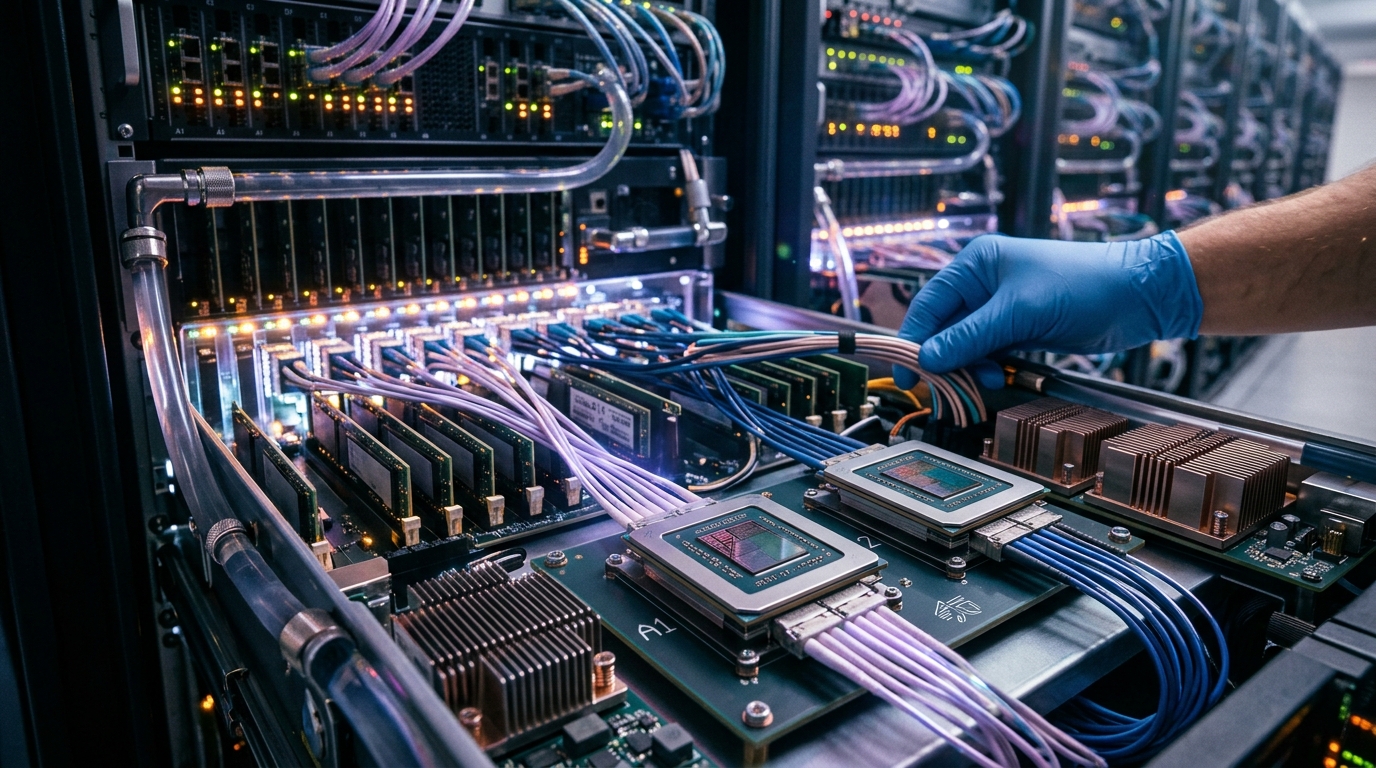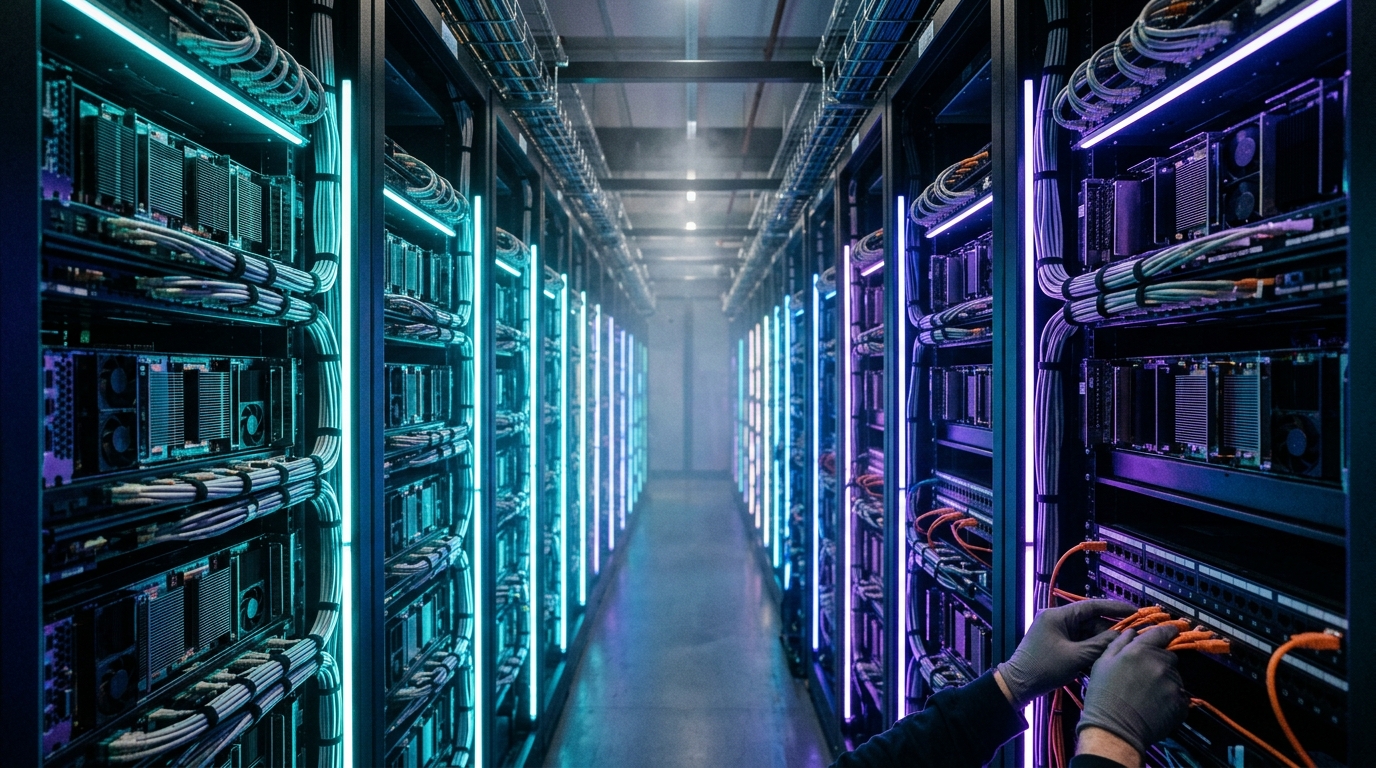
By 2026, global spending on AI-optimized infrastructure is projected to surpass $223 billion, with a massive shift toward cross-cloud control planes and heterogeneous hardware fleets. But here is the reality check: Your high-end hardware plan is only as good as your first 2:00 AM incident. When spot evictions spike, pods become unschedulable, or your multi-node fine-tuning run stalls due to a PCIe latency bottleneck, the hardware in your rack is just an expensive space heater. Effective GPU Orchestration is no longer a luxury for hyperscalers; it is the fundamental requirement for any enterprise running internal reasoning models or large-scale vector retrieval layers.
The State of GPU Orchestration in 2026
In the early days of the AI boom, "orchestration" usually meant a messy collection of bash scripts and manual Docker commands. Today, AI infrastructure orchestration has evolved into a sophisticated software layer that treats GPUs as a fluid, fungible resource. Whether you are running a single-node workstation with a mix of RTX 6000 Blackwells and legacy 3090 Tis or a distributed cluster spanning three different cloud providers, the goal remains the same: maximizing TFLOPS while minimizing idle time.
According to recent industry data, the average GPU utilization in unmanaged clusters hovers around 15–20%. High-performance GPU resource scheduling can push that figure above 70% by utilizing techniques like fractional GPU slicing, topology-aware placement, and intelligent job queuing. In 2026, we are also seeing the rise of "agentic orchestration," where the control plane itself uses reasoning models to predict workload surges and preemptively spin up compute resources.
NVIDIA Base Command vs. Run:ai: The Enterprise Standard
For many IT leaders, the first major decision is whether to stay within the NVIDIA ecosystem or opt for a vendor-agnostic stack. The comparison of NVIDIA Base Command vs Run:ai has shifted since NVIDIA's acquisition and integration efforts began.
- NVIDIA Base Command: This is the "gold standard" for organizations fully committed to the NVIDIA hardware stack (DGX, HGX, L40S). It offers deep integration with the CUDA stack and NCCL (NVIDIA Collective Communications Library), ensuring that multi-node scaling happens with the lowest possible overhead. It is essentially a "turnkey" solution for enterprise AI.
- Run:ai (Integrated): Known for its sophisticated Kubernetes-based scheduler, Run:ai introduced the concept of "fractional GPUs" to the mainstream. It allows multiple containers to share a single physical GPU without significant performance degradation. In 2026, its features are heavily embedded into NVIDIA's broader software offerings, focusing on dynamic quota management and "fair-share" scheduling across massive research teams.
If you are running a heterogeneous cluster (mixing NVIDIA with AMD MI300s or Intel Gaudi), the NVIDIA-centric approach might feel restrictive. This is where the broader market of multi-node GPU scaling tools comes into play.
Top 10 GPU Orchestration Platforms for 2026
Choosing the best GPU cluster management software depends on your scale, your hardware mix, and your team's Kubernetes expertise. Here are the top 10 contenders dominating the 2026 landscape.
1. CoreWeave (Kubernetes-Native Infrastructure)
CoreWeave has moved beyond being a mere "cloud provider" to becoming a specialized orchestration powerhouse. They offer a bare-metal Kubernetes experience that allows for rapid scaling of NVIDIA H100 and H200 clusters. Their platform is built for "bursty" workloads where you need 1,000 GPUs for four hours and zero for the rest of the day.
2. dstack (The Hybrid Hero)
For teams that want one control plane to rule them all—on-prem, cloud, and Kubernetes—dstack is the standout choice. It uses ML-native primitives rather than generic K8s objects.
"dstack's ML-native objects reduce time spent on cluster plumbing when teams bounce between cloud GPUs and a few on-prem boxes." — Startup Stash Research 2026
3. SiliconFlow (Inference Optimization)
SiliconFlow is an all-in-one platform that prioritizes the inference side of the house. In recent benchmarks, their proprietary engine delivered 2.3x faster inference speeds than standard cloud deployments. It is ideal for teams deploying large-scale multimodal models where latency is the primary KPI.
4. RunPod (Serverless & FlashBoot)
RunPod has become the go-to for rapid prototyping. Their "FlashBoot" technology allows for near-instant instance startups, which is critical for serverless AI functions. They offer a unique mix of secure enterprise GPUs and a lower-cost community cloud for non-sensitive dev work.
5. Exostellar AIM (Heterogeneous Specialist)
If your rack looks like a museum of different GPU generations, Exostellar is your best friend. It provides vendor-agnostic GPU slicing and multi-cluster federation. This allows you to manage NVIDIA, AMD, and even TPUs under a single hierarchical quota system.
6. Lambda Labs (The ML-First Cloud)
Lambda continues to dominate the "it just works" segment. Their GPU cloud comes with pre-configured ML environments (PyTorch, TensorFlow, CUDA drivers) that are updated and tested daily. It is the best choice for research teams that want zero-config orchestration.
7. Vultr (Global Distributed GPU)
With 32 global data centers, Vultr is the choice for low-latency inference at the edge. Their orchestration allows for easy deployment of GPU resources across multiple geographic regions, which is essential for global user bases.
8. Domo (Agentic & Business Orchestration)
Domo has pivoted to focus on the "connective layer." It is less about the raw TFLOPS and more about orchestrating the outcomes. It connects data pipelines, RAG (Retrieval-Augmented Generation) layers, and models into a unified business workflow.
9. SkyPilot (Cost-Optimization King)
An open-source favorite, SkyPilot acts as an abstraction layer across all major clouds (AWS, GCP, Azure, Lambda, etc.). It automatically finds the cheapest available GPU that meets your requirements and handles the job submission and data syncing.
10. Anyscale (Ray-Based Orchestration)
Built by the creators of Ray, Anyscale is the premier platform for distributed Python applications. If your AI cluster needs to handle complex reinforcement learning or massive distributed training, Anyscale’s ability to scale Python code to thousands of nodes is unmatched.
On-Prem vs. Cloud: The $50,000 Infrastructure Question
A fascinating trend in 2026 is the "re-shoring" of AI compute. As cloud costs spiral, many companies are building high-end on-prem workstations. A recent case study from the r/LocalLLM community highlights a $38,000 - $50,000 build that rivals cloud performance for specific workloads.
The "Ultimate" 2026 On-Prem AI Node
| Component | Specification |
|---|---|
| Motherboard | ASUS WRX90E-SAGE Pro WS SE (AMD sTR5) |
| CPU | AMD Ryzen Threadripper PRO 9955WX (16-Core) |
| GPU 1 & 2 | PNY RTX 6000 Pro Blackwell (96GB VRAM) |
| GPU 3-6 | NVIDIA RTX 3090 Ti (24GB VRAM) |
| RAM | 256GB DDR5-5600 ECC Registered |
| Storage | Samsung 9100 PRO (PCIe Gen 5) |
| OS | Ubuntu 24.04 LTS |
The ROI Argument: One user reported spending $5,000–$6,000 per month on Azure OpenAI APIs before building a similar rig. At $38,000, the hardware pays for itself in less than 8 months. However, the catch is GPU orchestration. Without a tool like dstack or Exostellar, managing a mixed fleet of Blackwell and Ampere cards becomes a nightmare of driver conflicts and inefficient memory mapping.
Solving Bottlenecks: VRAM, PCIe 5.0, and Multi-Node Scaling
When you move from a single GPU to a cluster, your performance is no longer limited by the GPU core; it is limited by the interconnect.
1. The PCIe Latency Killer
Research shows that PCIe 5.0 has approximately 50% lower latency compared to PCIe 4.0. In multi-GPU inference, where data must constantly hop between cards, this latency difference can result in a 10–15% increase in tokens-per-second.
2. P2P (Peer-to-Peer) Communication
For multi-node GPU scaling tools to work effectively, Peer-to-Peer (P2P) communication must be enabled. On workstation motherboards (like the ASUS WRX90E), this often requires manual BIOS tuning: * Enable IOMMU (SVM Mode). * Set PCIe ACS override. * Disable ASPM and C-States. * Force PCIe Gen 4/5 depending on your riser cable quality.
3. VRAM: The Hard Ceiling
VRAM remains the primary bottleneck for large-scale reasoning models. If a model (like a 400B parameter Llama variant) doesn't fit in the aggregate VRAM of your cluster, you are forced to use "offloading" to system RAM, which kills performance by 100x. Modern orchestrators solve this by using topology-aware scheduling, ensuring that layers of a model are pinned to GPUs that share the fastest possible physical link (NVLink or PCIe Gen 5).
A Strategic Framework for Choosing Your Orchestrator
Before committing to a platform, ask your team these four critical questions:
- Do we need multi-cluster federation? If you have GPUs in AWS and a few in your office, you need a tool like Exostellar or dstack that can treat them as a single pool.
- What is our "Spot" tolerance? Spot instances are 70–90% cheaper but can be reclaimed at any time. Your orchestrator must support automatic checkpointing and job migration.
- Is Kubernetes a requirement? If your IT team is already K8s-heavy, CoreWeave or Run:ai are natural fits. If you want to avoid the "K8s tax," look at ML-native tools like SkyPilot.
- Are we training or inferencing? Training requires high bandwidth (InfiniBand/NVLink). Inference requires high concurrency and low latency (SiliconFlow/RunPod).
Key Takeaways
- VRAM is the hard ceiling: No amount of software optimization can fix a lack of physical memory. Focus on aggregate VRAM first.
- Orchestration > Hardware: A well-managed cluster of older GPUs (3090s) often outperforms an unmanaged cluster of H100s due to reduced idle time.
- Hybrid is the future: Most successful enterprises in 2026 use a "Cloud for training, On-prem for inference" model to balance cost and speed.
- PCIe 5.0 Matters: For local clusters, the move to Gen 5 reduces latency by 50%, which is critical for real-time reasoning models.
- Don't ignore the "Un-sexy" parts: Power consumption (3.35kWh for a 6-GPU rig) and cooling are the most common points of failure for local AI clusters.
Frequently Asked Questions
What is the best GPU cluster management software for small teams?
For small teams, dstack and SkyPilot are excellent choices. They provide a unified control plane without the complexity of a full enterprise Kubernetes setup, allowing you to manage cloud and local resources easily.
How does NVIDIA Base Command vs Run:ai compare for multi-node scaling?
NVIDIA Base Command is a fully managed service optimized for NVIDIA-only hardware, offering the highest performance for DGX clusters. Run:ai is a more flexible scheduling layer that excels in multi-tenant environments where you need to share GPUs across different research teams using Kubernetes.
Why is PCIe bandwidth a bottleneck for GPU orchestration?
In multi-GPU setups, the cards must constantly exchange data (gradients during training, activations during inference). If the PCIe bus is slow or has high latency, the GPUs spend more time waiting for data than processing it, leading to a massive drop in efficiency.
Can I run a mix of different GPUs in one AI cluster?
Yes, but it requires careful orchestration. Tools like Exostellar AIM are designed specifically for heterogeneous clusters. You should generally group similar cards for specific sub-tasks (e.g., using Blackwell for heavy reasoning and 3090s for fast entity extraction).
Is it cheaper to build an on-prem AI cluster or use the cloud in 2026?
For constant, 24/7 workloads, on-prem is significantly cheaper, often paying for itself in under 12 months. However, for intermittent workloads or projects requiring thousands of GPUs for short bursts, the cloud (CoreWeave, Lambda) remains more cost-effective.
Conclusion
As we move deeper into 2026, the complexity of AI workloads will only increase. Building a powerful cluster is no longer just about buying the latest Blackwell cards; it's about the GPU Orchestration layer that keeps those cards fed with data. Whether you choose the enterprise-grade stability of NVIDIA Base Command, the hybrid flexibility of dstack, or the rapid deployment of RunPod, your choice of orchestrator will define your AI velocity for years to come.
Stop treating your GPUs like isolated servers. Start treating them like a unified AI engine. The tools are ready—is your infrastructure?