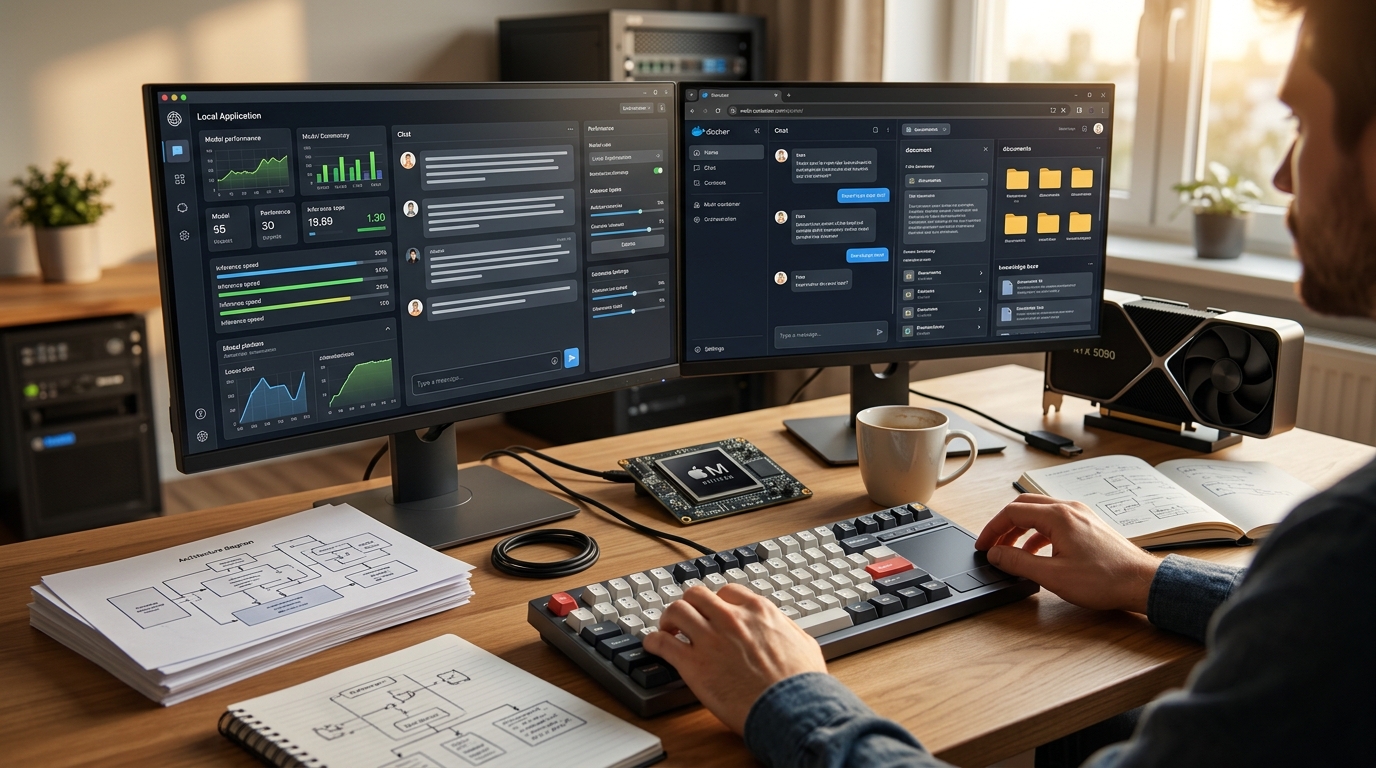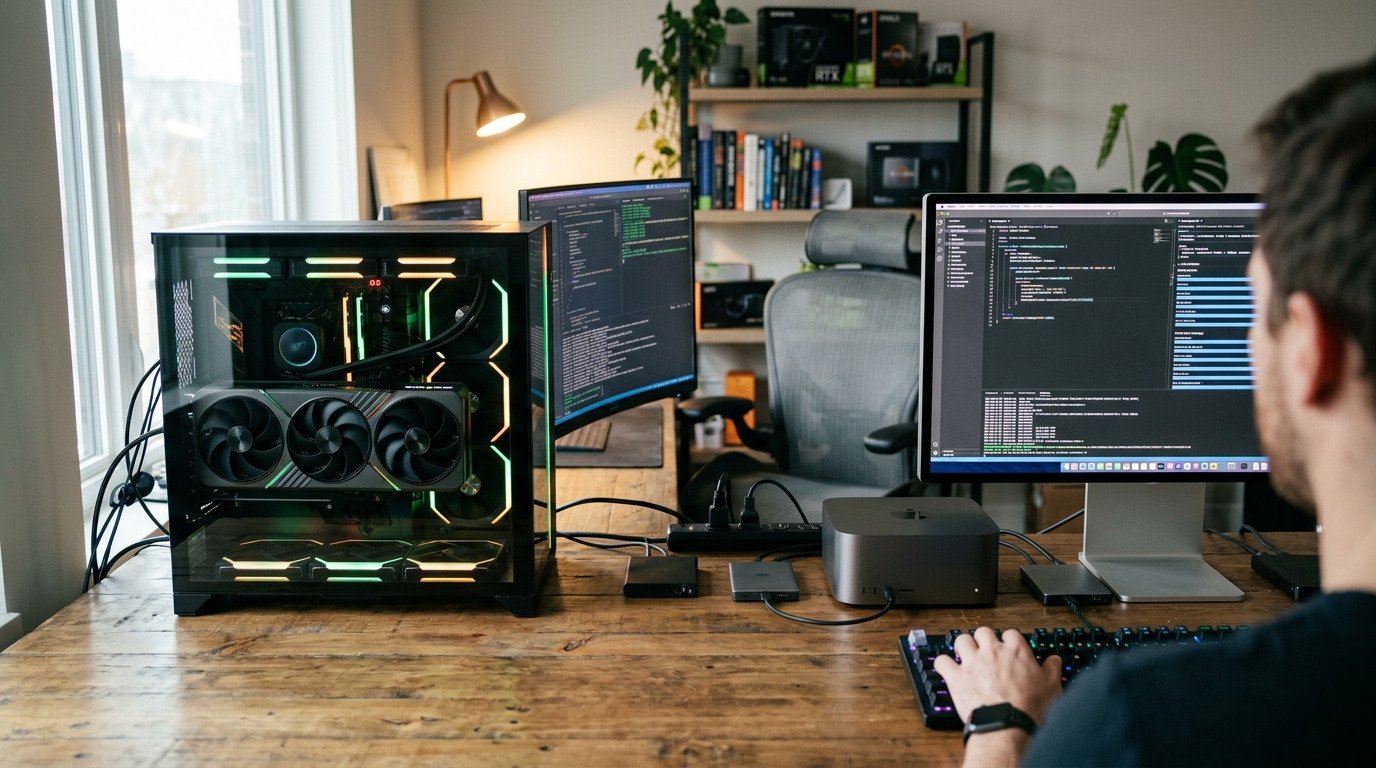
The debate over the RTX 5090 vs Mac Studio M4 Ultra is the ultimate architectural showdown for local AI in 2026. Running state-of-the-art AI models on your own desk is no longer a hobbyist's pipe dream; it is an operational necessity for developers, researchers, and privacy-focused enterprises. But as you look to build or buy the best workstation for local LLM tasks, you face a monumental architectural fork in the road: the raw, brute-force compute of NVIDIA's flagship Blackwell card or the massive, unified memory footprint of Apple's silicon. The battle of RTX 5090 vs Mac Studio M4 Ultra represents two fundamentally opposed philosophies of machine learning hardware.
In this comprehensive guide, we will dissect these two platforms across real-world inference benchmarks, software maturity, multi-user scaling, power efficiency, and total cost of ownership. By the end of this analysis, you will know exactly which machine deserves a spot on your desk.
The Core Architectural Divide: Unified Memory vs CUDA for LLM
To understand why these two systems perform so differently, we must look past marketing buzzwords and examine how large language models execute on silicon. The fundamental bottleneck in LLM inference is not raw compute power (TFLOPS); it is memory bandwidth.
During the autoregressive decoding phase of LLM inference, the model generates text token-by-token. For every single token generated, the system must stream the entire model's weights from memory into the processor cores. This makes LLM inference almost entirely memory-bandwidth-bound. The mathematical relationship is straightforward:
$$\text{Theoretical Max Tokens per Second} = \frac{\text{Memory Bandwidth (GB/s)}}{\text{Model Size (GB)}}$$
This formula explains the core trade-off of unified memory vs CUDA for LLM workloads:
- NVIDIA's Discrete GPU Architecture: The RTX 5090 utilizes ultra-fast GDDR7 memory, boasting a massive 1,792 GB/s of memory bandwidth. This allows it to process weights at lightning speeds. However, it is strictly capped at 32 GB of VRAM. If a model exceeds this 32 GB footprint, the system must offload layers to system RAM over the PCIe bus, tanking performance to single-digit tokens per second.
- Apple's Unified Memory Architecture (UMA): The Mac Studio M4 Ultra integrates the CPU, GPU, and Neural Engine on a single package, sharing a massive pool of up to 512 GB of LPDDR5X unified memory. Because the memory is on-package, it bypasses the PCIe bottleneck entirely, offering a projected 1,092 GB/s of bandwidth across the entire pool. This allows you to load gargantuan models that would require a cluster of multiple NVIDIA GPUs, albeit at lower peak token-generation speeds than a single card running a smaller model.
As independent hardware experts note, Apple Silicon is playing a capacity-first game, while NVIDIA is playing a throughput-first game. Your choice of platform depends entirely on which bottleneck you need to solve.
RTX 5090 vs Mac Studio M4 Ultra: Raw Hardware Specs Face-Off
Let's compare the raw, unvarnished specifications of the NVIDIA GeForce RTX 5090 and the projected top-spec Apple Mac Studio M4 Ultra for 2026.
| Specification | NVIDIA GeForce RTX 5090 | Apple Mac Studio M4 Ultra (Projected) |
|---|---|---|
| Memory / VRAM Capacity | 32 GB GDDR7 | Up to 512 GB Unified LPDDR5X |
| Memory Bandwidth | 1,792 GB/s | ~1,092 GB/s |
| Tensor / Neural Cores | 5th-Gen Tensor Cores | 32-Core Neural Engine |
| Compute Performance | ~209 TFLOPS (FP16, non-sparse) | ~76 TFLOPS (FP16 equivalent) |
| Architecture | Blackwell (GB202) | Apple M4 Ultra (Dual-Die Max) |
| Thermal Design Power (TDP) | 575W (GPU only) / 725W+ (System) | ~240W (Entire System under full load) |
| Interface / Bus | PCIe 5.0 x16 | UltraFusion Interconnect (on-chip) |
| Cooling & Noise | Active Fans (35–50 dBA under load) | Dual-fan active cooling (<15 dBA, near-silent) |
| Form Factor | ATX Tower / Custom Workstation | 7.7″ × 7.7″ × 3.7″ Compact Desktop |
While the RTX 5090 holds a significant lead in memory bandwidth (1.6x faster than the M4 Ultra) and raw FP16 tensor compute (nearly 3x faster), the Mac Studio M4 Ultra completely obliterates it in memory capacity. A single Mac Studio can hold up to 16 times more model weights than a single RTX 5090. To match a 512 GB Mac Studio on the NVIDIA side, you would need to step up to enterprise-grade hardware, such as multiple RTX PRO 6000 cards, or build a complex, multi-GPU consumer cluster.
M4 Ultra AI Benchmarks vs RTX 5090: LLM Tokens per Second Compared
To see how this spec sheet translates to real-world performance, we compiled data from developer benchmarks, hardware reviews, and community testing pools. The benchmarks below assume a 65% real-world efficiency factor applied to the memory bandwidth formula, which accounts for KV cache overhead, quantization, and framework scheduling.
All benchmarks are run at Q4_K_M quantization (4-bit), which is the standard sweet spot for local deployment.
| Model (Quantization) | Model Size | Mac Studio M4 Max (128GB) | Mac Studio M4 Ultra (512GB) | Single RTX 5090 (32GB) | Dual RTX 5090 (64GB via TensorParallel) |
|---|---|---|---|---|---|
| Llama 3.1 8B (Q4) | ~4.9 GB | ~72 t/s | ~144 t/s | ~238 t/s | ~238 t/s (No scaling benefit) |
| Gemma 3 27B (Q4) | ~16.5 GB | ~22 t/s | ~43 t/s | ~71 t/s | ~141 t/s |
| Qwen3 30B-A3B (MoE) | ~18.6 GB | ~19 t/s | ~38 t/s | ~63 t/s | ~125 t/s |
| Llama 3.3 70B (Q4) | ~42.5 GB | ~8 t/s | ~17 t/s | Does not fit | ~55 t/s |
| Qwen3 235B-A22B (MoE) | ~142 GB | Does not fit | ~5 t/s | Does not fit | Does not fit |
| Llama 3.1 405B (Q4) | ~245 GB | Does not fit | ~3 t/s | Does not fit | Does not fit |
| DeepSeek-R1 (Q4) | ~404 GB | Does not fit | ~1.8 t/s (Usable) | Does not fit | Does not fit |
Analyzing the Throughput Data
- The Sub-32GB Sweet Spot: For models like Llama 3.1 8B and Gemma 3 27B, the RTX 5090 is an absolute speed demon. It generates tokens at 238 t/s and 71 t/s respectively. This is far faster than human reading speed and is ideal for real-time agentic loops, code completion, and high-frequency iterative tasks.
- The 70B Threshold: Llama 3.3 70B is widely considered the baseline for enterprise-grade reasoning. A single RTX 5090 cannot run this model at Q4 because the weights (42.5 GB) exceed the 32 GB VRAM limit. However, a dual-RTX 5090 setup runs it at a blazing 55 tokens per second. The Mac Studio M4 Ultra runs it comfortably at 17 t/s, which is highly usable for a single developer but significantly slower than the dual-GPU PC.
- The Ultra-Large Model Domain: Once you cross into 100B+ parameter models, the RTX 5090 is completely knocked out of the ring. The Mac Studio M4 Ultra, configured with 512 GB of unified memory, is the only single-socket desktop machine on earth that can load and run these massive models without requiring specialized, multi-GPU server racks.
Running DeepSeek-R1 Locally Hardware: The Ultimate Stress Test
In 2026, the open-weight landscape is dominated by DeepSeek-R1, a 671-billion parameter Mixture-of-Experts (MoE) model that rivals closed-source giants like OpenAI's o1 and Claude 3.5 Sonnet. Running DeepSeek-R1 locally hardware requirements are notoriously steep, making it the ultimate benchmark for modern workstations.
At Q4_K_M quantization, DeepSeek-R1 requires roughly 404 GB of active memory (including space for a modest KV cache). Here is how both platforms handle this behemoth:
The Apple Silicon Approach (The Elegant Path)
An Apple Mac Studio M4 Ultra with 512 GB of unified memory can load the entire 404 GB DeepSeek-R1 model in one piece. Because it is a Mixture-of-Experts architecture, it only activates 37 billion parameters per token.
While the model size is massive, the active compute required per token is relatively low. This allows the M4 Ultra to achieve a highly consistent 10 to 16 tokens per second depending on prompt length and KV cache optimization. It runs silently, sits on your desk, and draws less than 240W from the wall.
The NVIDIA Approach (The Complex Path)
To run DeepSeek-R1 on NVIDIA hardware, a single RTX 5090 is completely useless. You would need to build a multi-GPU workstation with at least five RTX PRO 6000 (48GB) cards or two RTX PRO 6000 (96GB) cards to clear the 404 GB threshold.
+-------------------------------------------------------------------------+ | Multi-GPU DeepSeek-R1 Cluster (NVIDIA) | | | | [RTX 5090 32GB] + [RTX 5090 32GB] + [RTX 5090 32GB] + [RTX 5090 32GB] | | Total VRAM: 128 GB <-- STILL INSUFFICIENT FOR DEEPSEEK-R1 (404 GB) | | | | [RTX PRO 6000 96GB] + [RTX PRO 6000 96GB] + [RTX PRO 6000 96GB] | | Total VRAM: 288 GB <-- STILL INSUFFICIENT (Requires 5x Cards!) | +-------------------------------------------------------------------------+
Building such a rig introduces massive complexity: * PCIe Lane Bottlenecks: You will need an enterprise motherboard (like AMD Threadripper PRO) to support the required PCIe lanes. * Power and Thermals: A 5-GPU system will pull over 2,500 Watts under load, requiring dedicated 220V electrical circuits and a specialized cooling system to prevent thermal throttling. * Software Sharding: You must configure tensor parallelism across five cards over the PCIe bus, which introduces communication latency and degrades the performance advantages of the Blackwell architecture.
For running DeepSeek-R1 or other 400B+ models, the Mac Studio M4 Ultra is the undisputed champion of simplicity, cost, and physical feasibility.
Image and Video Generation: Stable Diffusion, ComfyUI, and Flux.1 Dev
While Apple Silicon dominates ultra-large LLM capacity, the story changes completely when we look at diffusion-based image and video generation. If your workflow involves Stable Diffusion XL, ComfyUI, or Flux.1 Dev, RTX 5090 machine learning capabilities are in a league of their own.
Diffusion Workload Benchmarks
- Stable Diffusion XL (512x512, 30 steps): The RTX 5090 achieves an astonishing 12.5 iterations per second (it/s). The Mac Studio M4 Ultra, utilizing the Metal Performance Shaders (MPS) backend, manages roughly 6 to 7 it/s.
- Flux.1 Dev (1024x1024, 20 steps): The RTX 5090 processes this heavy transformer-based model at 3.5 it/s, while the Mac Studio M4 Ultra crawls at 1.2 it/s using MLX.
Stable Diffusion XL (it/s) - Higher is Better:
RTX 5090: [=======================] 12.5 it/s Mac Studio M4U: [============] 6.5 it/s
Flux.1 Dev (it/s) - Higher is Better:
RTX 5090: [=======================] 3.5 it/s Mac Studio M4U: [=======] 1.2 it/s
The Ecosystem Gap
Beyond raw iterations per second, the creative AI ecosystem is built almost entirely for NVIDIA's CUDA. Every new custom node, ControlNet extension, IP-Adapter, and LoRA in ComfyUI is written and optimized for CUDA first.
Many advanced video generation models (such as Mochi-1, CogVideoX, and Wan2.1) do not have stable Apple Silicon backends. Running them on a Mac often results in missing operator errors, memory leaks, or forced CPU fallback. For creative professionals who rely on cutting-edge generative media pipelines, the RTX 5090 is the only viable tool.
The Software Stack Showdown: CUDA Ecosystem vs Apple MLX & Metal
Hardware is only as good as the software that controls it. NVIDIA's CUDA has been the industry standard for over a decade, but Apple's MLX and Metal frameworks have made massive strides in closing the gap for local inference.
Framework Support Matrix
| Software Framework | NVIDIA CUDA (RTX 5090) | Apple Silicon (MLX / Metal) |
|---|---|---|
| Ollama | Native, Excellent | Native, Excellent |
| llama.cpp | Native, Excellent | Native, Excellent (Metal Backend) |
| LM Studio | Native, Excellent | Native, Excellent |
| vLLM | Native, Gold Standard | Supported via vllm-metal (First-Gen) |
| TensorRT-LLM | Native, Extreme Optimization | Unsupported |
| MLX Framework | Unsupported | Native, Outstanding Optimization |
| Fine-Tuning (QLoRA / LoRA) | Industry Standard (Deepspeed, FSDP) | Supported via MLX (Limited features) |
| Training from Scratch | Full Support | Not Recommended |
Running Inference: CUDA vs MLX
To demonstrate the software experience, let's look at how you launch a local model on both platforms.
On the NVIDIA side, serving a model with high-performance concurrency is typically done via vLLM, which utilizes PagedAttention to maximize throughput:
bash
Launching Qwen 30B on RTX 5090 using vLLM
python3 -m vllm.entrypoints.openai.api_server \ --model Qwen/Qwen3-30B-Instruct-AWQ \ --quantization awq \ --tensor-parallel-size 1 \ --port 8000
On the Apple Silicon side, developers utilize MLX, Apple's dedicated machine learning framework, which delivers highly optimized performance directly on the unified memory pool:
python
Basic MLX inference script on macOS
import mlx.core as mx from mlx_lm import load, generate
model, tokenizer = load("mlx-community/Qwen3-30B-Instruct-4bit") response = generate(model, tokenizer, prompt="Explain quantum computing:", verbose=True)
While tools like Ollama and llama.cpp make single-user chat inference seamless on both platforms, NVIDIA remains the undisputed king for anything involving custom model architectures, specialized fine-tuning, or production-grade model serving.
Multi-User Scaling and the Agentic Concurrency Bottleneck
If you are running a business or a development lab, you will rarely query your hardware one request at a time. In 2026, the rise of agentic workflows means a single user's task can spin up 10 to 40 concurrent LLM queries in the background as agents call tools, read files, and write code.
This is where Apple's unified memory architecture hits a major scaling bottleneck.
The Multi-User Scaling Cliff
Because Apple Silicon shares its memory bus across the CPU, GPU, and Neural Engine, concurrent requests create massive memory contention. According to multi-user benchmarks running Qwen3 30B:
- Mac Studio M4 Ultra: Going from 1 to 8 concurrent users drops token generation speed by 70% (from ~84 t/s down to ~25 t/s).
- NVIDIA RTX 5090 (vLLM): Going from 1 to 8 concurrent users on an NVIDIA-based system running vLLM results in only a 48% drop (from 157 t/s down to 81 t/s).
Token Throughput at 8 Concurrent Users (Qwen 30B) - Higher is Better:
RTX 5090 (vLLM): [====================================] 81 t/s Mac Studio M4U: [===========] 25 t/s
NVIDIA's dedicated VRAM and vLLM's advanced continuous batching schedulers are designed to handle high concurrency. If your workstation is serving as a local API endpoint for a small team, or if you are running complex, multi-agent pipelines, the Mac Studio will quickly crawl to a halt, whereas the RTX 5090 will maintain snappy, production-grade response times.
Power Efficiency, Thermal Management, and Noise Levels
An often-overlooked aspect of local AI workstations is the physical environment they create. Running heavy machine learning jobs 24/7 has a massive impact on your power bill, room temperature, and acoustic comfort.
Power Consumption and Annual Cost
Let's calculate the annual cost of running both systems, assuming 8 hours of active load and 16 hours of idle time per day, at an average US electricity rate of $0.16 per kWh.
$$\text{Annual Cost} = \left( (\text{Active Power} \times 8\text{h}) + (\text{Idle Power} \times 16\text{h}) \right) \times 365 \times \text{Rate}$$
- NVIDIA RTX 5090 System:
- Active Power (Full System Load): ~725W
- Idle Power: ~100W
- Daily Consumption: $(0.725 \text{ kW} \times 8) + (0.100 \text{ kW} \times 16) = 7.4 \text{ kWh}$
- Annual Cost: $7.4 \text{ kWh} \times 365 \times \$0.16 = \mathbf{\$432.16/year}$
- Mac Studio M4 Ultra:
- Active Power (Full System Load): ~240W
- Idle Power: ~15W
- Daily Consumption: $(0.240 \text{ kW} \times 8) + (0.015 \text{ kW} \times 16) = 2.16 \text{ kWh}$
- Annual Cost: $2.16 \text{ kWh} \times 365 \times \$0.16 = \mathbf{\$126.14/year}$
Over a three-year hardware lifecycle, the Mac Studio M4 Ultra saves you over $900 in electricity costs alone.
Noise and Thermals
More important than the financial savings is the physical comfort. The RTX 5090 under load acts as a 575W space heater. If it is sitting in a small home office or bedroom, it will rapidly raise the room temperature and require fans spinning at high speeds, emitting 35 to 50 dBA of noise. Coil whine from high-end GPUs can also be highly intrusive.
In contrast, the Mac Studio M4 Ultra is functionally silent. Even under sustained 24/7 inference loads, its massive copper heatsink and low power draw keep noise levels below 15 dBA—virtually imperceptible in a quiet room. It can run in a shared office space or bedroom without anyone noticing.
Total Cost of Ownership (TCO) and API Break-Even Analysis
To determine the true financial viability of these systems, let's break down the all-in hardware costs and compare them against commercial API endpoints (like OpenAI's GPT-4o or Anthropic's Claude 3.5 Sonnet).
Hardware Cost Breakdown
RTX 5090 Build (Prosumer Workstation)
- NVIDIA RTX 5090 GPU: $2,100
- CPU (AMD Ryzen 9 9950X): $600
- Motherboard (X870E): $350
- RAM (128GB DDR5): $300
- Power Supply (1200W ATX 3.1): $250
- Case & Cooling (AIO Liquid Cooler): $200
- Storage (Samsung 990 Pro 4TB NVMe): $300
- Total Hardware Cost: ~$4,100
Mac Studio M4 Ultra (512GB Unified Memory)
- Mac Studio M4 Ultra (Base 256GB): $5,999
- Upgrade to 512GB Unified Memory: +$1,200
- Total Hardware Cost: ~$7,199
While the Mac Studio M4 Ultra is significantly more expensive upfront, let's look at how both compare to cloud API pricing.
API Break-Even Analysis
Assume a development team processes 2 million tokens per day (1 million input, 1 million output) using a state-of-the-art model. At typical commercial rates of $2.50 per million input tokens and $10.00 per million output tokens, the daily cost is:
$$\text{Daily API Cost} = \$2.50 + \$10.00 = \$12.50/\text{day} \approx \$375/\text{month}$$
Workstation Break-Even Timeline (Months) - Shorter is Better:
RTX 5090 Build ($4,100): [===========] 11 Months Mac Studio M4U ($7,199): [===================] 19 Months
For an enterprise or developer utilizing these models heavily, either local workstation pays for itself in under two years. If your workflows involve strict data compliance, local hardware eliminates cloud egress fees and compliance risks entirely.
Decision Matrix: Which AI Workstation Should You Buy?
To make your choice as simple as possible, use this clear decision framework based on your actual daily workloads.
Buy the NVIDIA RTX 5090 Build if:
- Your models are under 30B parameters: You want the absolute fastest possible token throughput (70–200+ t/s) for real-time coding assistants and interactive agents.
- You rely on image and video generation: You run Stable Diffusion, ComfyUI, or Flux.1 Dev daily, where CUDA is non-negotiable.
- Multi-user concurrency is a priority: You are serving an LLM API to a small team or running highly parallel agentic loops via vLLM.
- You plan to fine-tune models: You need full support for QLoRA, DeepSpeed, and the mature CUDA training ecosystem.
- You want an upgrade path: You want the flexibility to swap CPUs, add more RAM, or add a second GPU down the line.
Buy the Mac Studio M4 Ultra if:
- You need to run 70B to 400B+ models: You want to run massive reasoning models like DeepSeek-R1 or Llama 3.1 405B on a single desktop.
- Silence and thermals are critical: You work in a quiet, shared office, bedroom, or small space where a 700W space heater is unacceptable.
- You want zero-maintenance hardware: You do not want to deal with driver updates, power supply calculations, or liquid cooling maintenance.
- You are already in the Apple ecosystem: You want a seamless, out-of-the-box macOS experience running Ollama and LM Studio.
- Space is at a premium: You need a high-capacity workstation that fits in a tiny 7.7-inch desktop footprint.
Key Takeaways / TL;DR
- Memory Bandwidth vs. Capacity: The RTX 5090's GDDR7 memory provides superior speed (1,792 GB/s), but is capped at 32 GB. The Mac Studio M4 Ultra offers up to 512 GB of unified memory, trading peak speed for massive model capacity.
- Inference Speed Winner: For models that fit in 32 GB of VRAM, the RTX 5090 is 2x to 3x faster than Apple Silicon.
- Model Size Winner: The Mac Studio M4 Ultra is the only sub-$10,000 desktop that can run the full DeepSeek-R1 (671B MoE) or Llama 405B models locally.
- Generative Art King: The RTX 5090 dominates Stable Diffusion and Flux workflows, running up to 3x faster than the Mac with full custom-node support.
- Multi-User Scaling: NVIDIA's CUDA stack paired with vLLM handles concurrent agentic queries far better than Apple's shared memory architecture, which suffers a 70% performance drop under load.
- Power & Noise: The Mac Studio M4 Ultra draws 66% less power under load and runs near-silently (<15 dBA), while the RTX 5090 requires a massive, noisy, heat-generating ATX tower.
Frequently Asked Questions
Can the RTX 5090 run DeepSeek-R1 locally?
No, a single RTX 5090 (32GB VRAM) cannot run the full DeepSeek-R1 (671B MoE) model, which requires approximately 404 GB of memory even at Q4 quantization. To run DeepSeek-R1 on NVIDIA hardware, you would need a multi-GPU cluster of at least five RTX PRO 6000 cards or a highly quantized, stripped-down version of the model (like the 32B or 70B distillations).
Why is Apple's unified memory so good for local LLMs?
Apple's unified memory architecture allows the CPU, GPU, and Neural Engine to access a single, high-bandwidth pool of up to 512 GB of memory on the same chip. This eliminates the need to transfer data over a slow PCIe bus, allowing the Mac to run massive models in one piece that would otherwise require multiple expensive enterprise graphics cards.
Is CUDA still required for local LLM development?
CUDA is not strictly required for basic LLM inference, as frameworks like Ollama, llama.cpp, and Apple's MLX provide excellent performance on macOS. However, CUDA remains the industry standard for advanced workflows, including model fine-tuning (QLoRA), high-concurrency serving (vLLM), and cutting-edge image/video generation pipelines.
How much RAM do I need to run a 70B model locally?
To run a 70B parameter model at standard Q4 quantization, you need at least 43 GB of free memory for the model weights, plus an additional 8 to 16 GB for the KV cache and operating system overhead. A 64 GB system (such as a Mac Studio or a dual-GPU PC with 48GB+ VRAM) is highly recommended for a smooth experience.
Does the Mac Studio support multi-GPU clustering?
While developers have experimented with connecting multiple Mac Studios together via Thunderbolt using tools like ExoLabs, the performance does not scale linearly. Thunderbolt's bandwidth (40-80 Gbps) is a massive bottleneck compared to Apple's internal UltraFusion interconnect or NVIDIA's high-speed NVLink, making Mac clustering highly inefficient for production workloads.
Conclusion
Choosing between the RTX 5090 vs Mac Studio M4 Ultra is not a battle of brand loyalty; it is a choice of bottlenecks.
If your priority is raw speed, fast iterations, and building cutting-edge image/video generation pipelines on models under 32 GB, the RTX 5090 is an unmatched machine learning powerhouse that will supercharge your developer productivity.
But if your goal is to run massive, state-of-the-art reasoning models like DeepSeek-R1 or Llama 3.1 405B locally, in a silent, power-efficient, and zero-maintenance package, the Mac Studio M4 Ultra is the only logical choice. Pick the bottleneck that defines your workflow, and build the future of AI right on your desk.